
In this article
- 1. A complete, active Google Business Profile
- 2. An online menu that’s readable on a phone
- 3. Reviews: ask, reply, learn
- 4. Photography that whets the appetite
- 5. Social media: consistency, not volume
- 6. Make booking and contact easy
- 7. Bring customers back
- What about paid ads?
- A plan for the next month
- Frequently asked questions
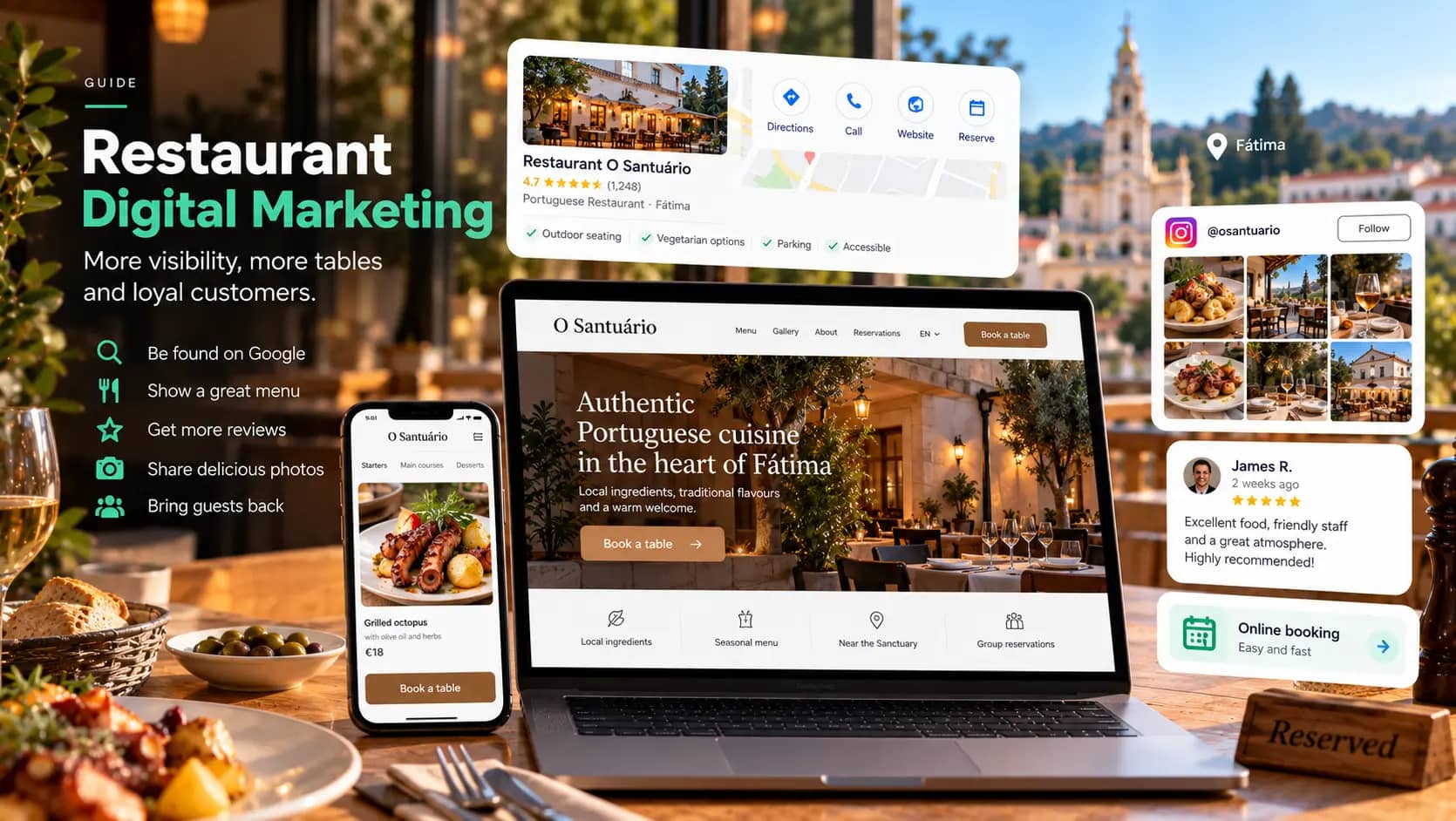
Digital marketing for a restaurant rests on three things: showing up on Google when someone is looking for somewhere to eat, winning them over with photos, a menu and reviews, and making it easy to book or visit in just a few taps. Social media, ads and email come afterwards, to keep the restaurant front of mind and bring customers back.
Many decisions about where to eat are made on a phone, minutes beforehand, just a few kilometres from the restaurant. In Fátima, Leiria, Ourém or Tomar, with so many visitors passing through, that’s even more true. This guide organises the work into seven steps, from the most urgent to the most strategic.
1. A complete, active Google Business Profile
It’s a restaurant’s main shop window. When someone searches for “restaurant near me” or “where to eat in Fátima”, what appears first is the map with Google profiles, not websites.
What you can’t do without:
- The right primary category (for example, Portuguese restaurant, seafood restaurant, pizzeria) and relevant secondary categories.
- Opening hours that are always up to date, including public holidays, closing days and special hours on very busy days.
- Your menu, linked or uploaded to the profile, with prices.
- Recent photos: dishes, dining room, terrace, frontage and entrance, so that customers recognise the place when they arrive.
- Attributes: terrace, wheelchair access, vegetarian options, parking, reservations.
- A booking link or a phone number that gets answered.
We explain this work in detail in our guide to local SEO in Fátima, which applies to any restaurant in the region.
2. An online menu that’s readable on a phone
The PDF menu is one of the biggest obstacles we see on restaurant websites. It’s slow to open, forces people to zoom in, and Google has a harder time understanding what’s in it.
A good online menu:
- Sits on a page of your website, as text, readable on any screen.
- Has up-to-date prices and flags daily or seasonal dishes.
- Shows allergen information or explains how to get it.
- Is available in other languages, if you get a lot of tourists.
- Carries the same information as your Google profile, to avoid confusion.
3. Reviews: ask, reply, learn
Reviews influence who chooses you and who appears on the map. Having them isn’t enough; you have to manage them.
- Ask for reviews at the end of the meal, with a card or QR code on the bill. Never offer discounts in exchange for positive reviews: Google’s rules prohibit it.
- Reply to all of them, positive and negative, using the restaurant’s name and, where possible, the dish mentioned.
- Respond calmly to criticism: say thank you, acknowledge the problem if there was one, and offer to sort it out privately. Your reply is read by your next customers, not just the reviewer.
- Use reviews as a diagnosis. If several people mention slow service at weekends, the problem isn’t marketing.
4. Photography that whets the appetite
In a restaurant, photography sells before the first dish reaches the table. Dark, blurry or generic stock images convey exactly the opposite of what you want.
It’s worth investing in a professional shoot that covers:
- Your most popular dishes and the ones you want to promote.
- The dining room, with and without customers, at different times of day.
- The team at work, especially if you have an open kitchen.
- The details: the bread, the house wine, the dessert everyone talks about.
With your own image library, you can feed your website, Google and social media for months. Take a look at our photo and video service.
5. Social media: consistency, not volume
Instagram and Facebook are still natural channels for restaurants, and short-form video is now the format with the most reach. But posting every day without a plan wears the team out and doesn’t bring results.
A sustainable rhythm works better:
- Two to three posts a week, with real photos and videos.
- Behind the scenes: preparation, local producers, the team.
- Concrete news: dish of the day, seasonal menu, events, special opening hours.
- Quick replies to messages and comments. Many people send a message to ask whether there’s a table.
- A booking or contact link always visible in your bio.
If you don’t have time for this, social media management can be handed over, while keeping the restaurant’s voice and authenticity.
6. Make booking and contact easy
Every extra step is one customer fewer. Check that:
- The phone number on your website and on Google is clickable and answered during the advertised hours.
- There’s a way to book online, whether through a reservation system or a simple form.
- The address opens directly in a map.
- If you offer takeaway or delivery, how to order is clear.
If you use a booking or delivery platform, look at the cost per customer and whether you can bring regulars over to a channel of your own, such as the phone or your website.
7. Bring customers back
Winning a new customer costs more than bringing back someone who has already enjoyed a meal with you. With consent, collect contact details (for example, with a booking or a loyalty scheme) and use them sparingly:
- Seasonal menus, themed evenings, special dates.
- An invitation on the customer’s birthday.
- News for people who work nearby and eat out during the week.
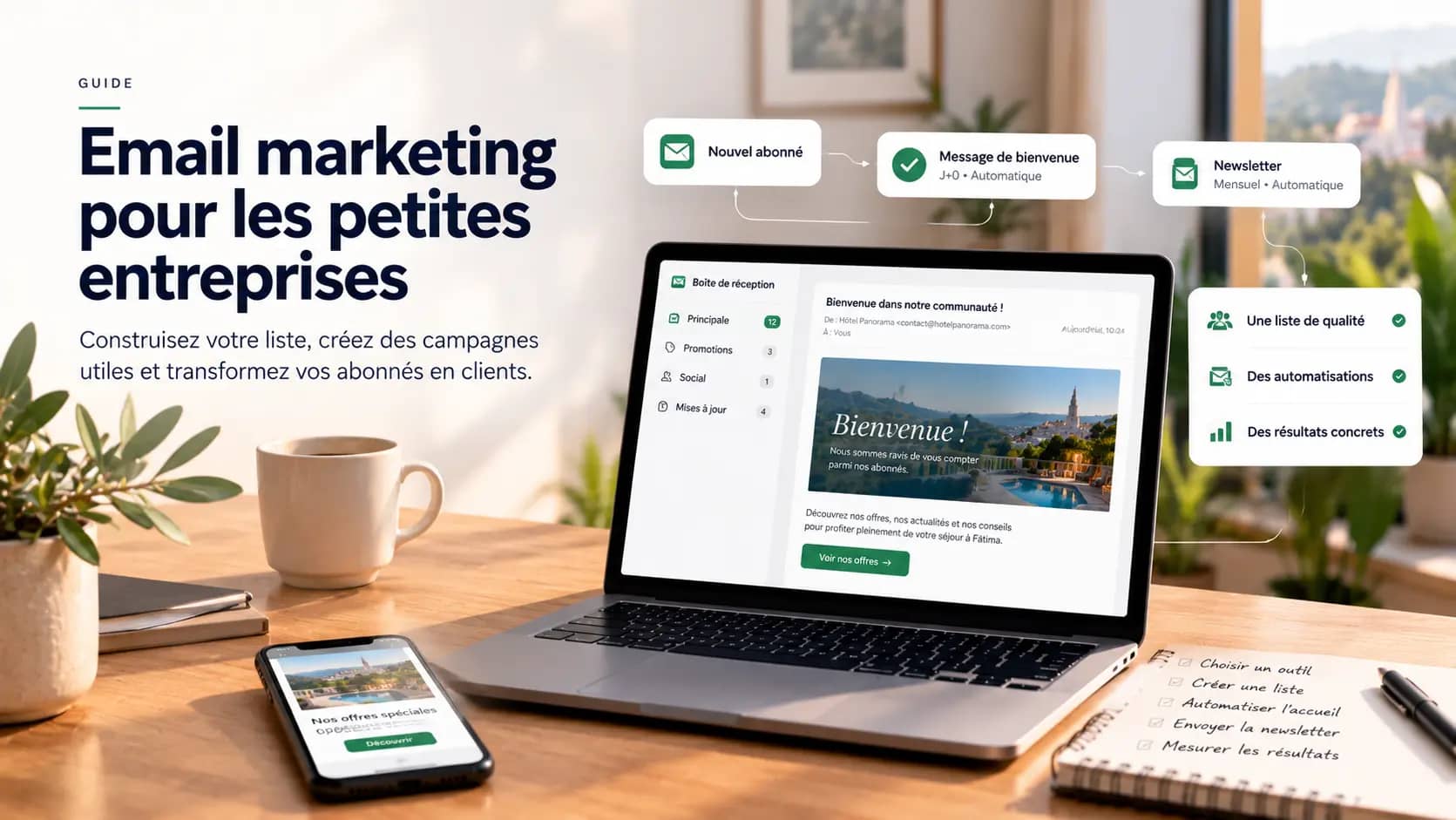
We explain how to get started, and which legal rules to follow, in our guide to email marketing for small businesses.
What about paid ads?
Ads on Google or Instagram can be useful at specific moments: an opening, a new menu, events, or reaching tourists who are in the area. A campaign well targeted by location and time of day costs relatively little. But ads amplify what’s already there: if your Google profile and reviews are weak, start there. Find out more about our work with Google Ads.
A plan for the next month
- Week 1: complete and correct your Google Business Profile; reply to every outstanding review.
- Week 2: move the menu from PDF to a page on your website; align opening hours and contact details across every channel.
- Week 3: a photo shoot; update Google, your website and social media.
- Week 4: set a posting rhythm and a simple process for asking for reviews.
We work with restaurants in Fátima and across central Portugal. See what we do for restaurants or get in touch.
Frequently asked questions
Does a restaurant really need a website?
Yes, even though the Google Business Profile is the first point of contact. Your website is the only channel you fully control: full menu, bookings, events, information in other languages. It also strengthens the credibility of your Google profile. It doesn’t have to be big; it has to be fast, clear and up to date.
How often should I post on social media?
As often as you can keep up with quality. For most restaurants, two to three posts a week, with real photos and videos, work better than improvised daily posts. More important than volume is replying quickly to messages and comments.
How should I respond to a negative review?
Calmly and quickly. Thank the reviewer, apologise if something genuinely went wrong, explain without arguing and invite the customer to talk to you directly. Remember that the reply is read by future customers, who mainly judge how the restaurant deals with problems.
Is it worth paying for ads for a restaurant?
It can be, at specific moments: an opening, new menus, events or reaching tourists in the area. Ads targeted by location and time of day are affordable. But they only pay off if your Google profile, reviews and photos are already in good shape, because that’s where the ads send people.

Aya Ahansal
Design and Social Media