
In this article
- In short: the fundamental differences
- Costs: what you actually pay
- Payments in Portugal: MB WAY, Multibanco and cards
- Certified invoicing and accounting integration
- SEO and content
- Maintenance, security and independence
- Which type of business suits each one
- Before you decide: a checklist
- Frequently asked questions
Choose Shopify if you want to launch quickly, keep technical maintenance to a minimum and pay a predictable monthly subscription. Choose WooCommerce if you need full control over the code, the data and the hosting, or if you already have a WordPress website and want to build the shop into it. Neither is “better” in absolute terms: the decision depends on your catalogue, the team that will run the shop and the integrations you need.
In this article we compare the two platforms on the criteria that matter most to a small or medium-sized business in Portugal: real costs, payments, invoicing, SEO, performance and maintenance.
In short: the fundamental differences
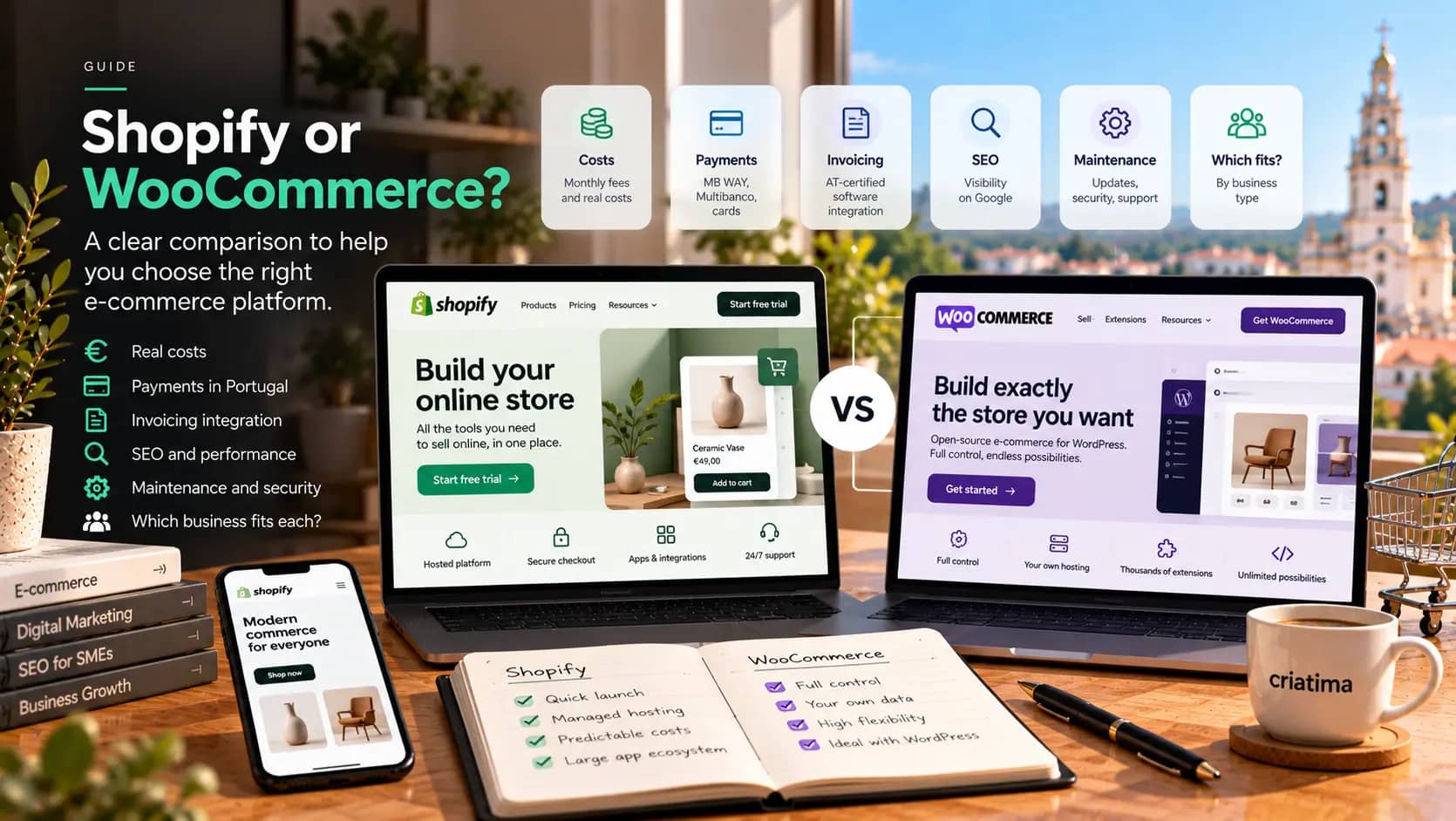
Shopify is a subscription platform (SaaS). You pay a monthly fee and Shopify takes care of hosting, security, updates and checkout. You customise the shop with themes and apps, within the platform’s rules.
WooCommerce is a free, open-source plugin for WordPress. The shop lives on your own hosting, you have full access to the code and the database, and you can adapt almost anything. On the other hand, responsibility for security, updates and performance lies with you or whoever you hire.
This difference in model explains almost all the others.
Costs: what you actually pay
Comparing only the entry price is the most common mistake. Always add up these items, over 12 and 36 months:
With Shopify
- Monthly subscription, which varies with the plan you choose. Check the current figures on the official pricing page, as they change fairly often.
- Payment fees, charged by the payment processor.
- An additional transaction fee when you use an external payment provider instead of Shopify’s own, depending on your plan.
- Paid apps: customer reviews, advanced filters, invoicing integration, translations. Many shops end up with several monthly subscriptions.
- A premium theme, if you choose one, usually a one-off payment.
With WooCommerce
- Quality hosting, which must cope with traffic peaks and include backups.
- Paid extensions: payments, shipping, subscriptions, filters. Many come with an annual licence.
- Maintenance: updates to WordPress, WooCommerce and the extensions, testing and monitoring. Ignoring this item is the quickest route to a slow or compromised shop.
- Development, if you need custom features.
For small shops, annual costs tend to be comparable. The difference lies in who takes care of what, and in how much flexibility you have as the business grows. In our article on how much a website costs we explain the usual ranges in the Portuguese market.
Payments in Portugal: MB WAY, Multibanco and cards
For Portuguese consumers, MB WAY and Multibanco payment references are often as important as cards. Before choosing a platform, check:
- Which payment providers offer MB WAY and Multibanco for the platform you choose.
- What fees they charge per transaction, and whether there is a monthly charge.
- Whether, on Shopify, using an external provider triggers the additional transaction fee on your plan.
- How refunds and reconciliation with your accounts work.
On WooCommerce, there are several extensions from Portuguese providers that handle these methods. On Shopify, what’s on offer depends on the payment apps available for Portugal at the time. Always ask for a demonstration of the full checkout, on a mobile phone, before you decide.
Certified invoicing and accounting integration
In Portugal, invoices must be issued by invoicing software certified by the Portuguese Tax and Customs Authority (Autoridade Tributária). Neither platform does this on its own: you need an integration with your invoicing software, so that every paid order automatically generates the invoice and reports it.
Check whether your invoicing software has an official integration with the platform you’re considering, how much it costs and how it handles returns, credit notes and shipments outside Portugal. This integration is often what saves the most time day to day, and what causes the most headaches when it’s improvised.
SEO and content
Both platforms can deliver a shop that ranks well on Google. The differences are in the detail:
- URL structure: Shopify enforces fixed prefixes in addresses (for example, for products and collections). WooCommerce lets you set up the structure however you like.
- Editorial content: WordPress is, first and foremost, a publishing tool, which makes it easy to build guides, articles and text-rich category pages. Shopify has a blog, but a more limited one.
- Multiple languages: both support them, through apps or extensions. Check how each solution generates the URLs for each language and the hreflang markup.
- Speed: Shopify offers a fast hosting base, but too many themes and apps will slow any shop down. On WooCommerce, performance depends heavily on the hosting and on discipline with extensions. Read our guide to Core Web Vitals to know what to measure.
More important than the platform is the work done on top of it: original product descriptions, categories designed around what people search for, and your own product photography.
Maintenance, security and independence
With Shopify, the platform takes care of core updates and security. You still need to review the apps you’ve installed and the access granted to people working on the shop, but the technical risk is lower.
With WooCommerce, someone has to keep everything up to date, make backups and keep an eye on the shop. It’s predictable work and not especially expensive, as long as it’s done regularly. At Criatima, maintenance and hosting starts at €49 a month + VAT, with no minimum term, and includes updates, backups, monitoring and up to two hours of changes a month.
As for independence: on Shopify, switching platform later means exporting products, customers and orders and rebuilding the rest. On WooCommerce, the data and the code are yours from day one.
Which type of business suits each one
Shopify tends to make more sense if:
- You want to launch within a few weeks and test the market.
- You have nobody to look after the technical side.
- Your catalogue is relatively simple, with no complex pricing rules.
- You also sell on social media or marketplaces and want everything in one place.
WooCommerce tends to make more sense if:
- You already have a WordPress website with content and rankings you don’t want to lose.
- You need custom features: quotes, customer-specific pricing, configurable products, ERP integration.
- You want full control over your data and hosting.
- You’re going to invest heavily in editorial content to attract organic traffic.
There are also cases where neither is the right answer, for example very large catalogues, B2B sales with their own rules or heavy integrations. There, a custom solution can pay off in the medium term.
Before you decide: a checklist
- How many products and variants will you have in two years’ time?
- Which payment methods do your customers expect?
- Which invoicing software do you use, and which platforms does it integrate with?
- Who will upload products, manage orders and answer customers?
- Will you sell only in Portugal, or in other countries and languages too?
- Which integrations are essential (stock, carriers, ERP, email marketing)?
With these answers, the choice usually becomes obvious. If you’d like help thinking the project through, take a look at our e-commerce service: we start with a diagnosis, not with the platform.
Frequently asked questions
Is WooCommerce free?
The WooCommerce plugin is free, but the shop isn’t. You need a domain, hosting, probably a few paid extensions and regular maintenance. Once you add these up, the annual cost of a well-maintained WooCommerce shop can be similar to that of a Shopify shop with a few paid apps.
Can I migrate from WooCommerce to Shopify, or the other way round?
Yes. Products, customers and orders can be exported with dedicated tools. What needs the most care is preserving your Google rankings: every old URL should point to its new equivalent with a 301 redirect, and the content of category and product pages should be kept or improved.
Which is better for SEO?
Both can deliver good results. WooCommerce gives more freedom over URL structure and editorial content; Shopify offers a solid technical base with less maintenance. In practice, the quality of your descriptions, categories, images and speed matters far more than the platform you choose.
Do I need an agency to build the shop?
Not necessarily. A simple Shopify shop can be set up by anyone with time and patience. An agency pays off when you need your own design, integrations with invoicing and stock, several languages or a strategy to attract traffic from launch, and when you’d rather not learn everything by trial and error.

Ali Ourtanane
Web Project Manager