

In this article
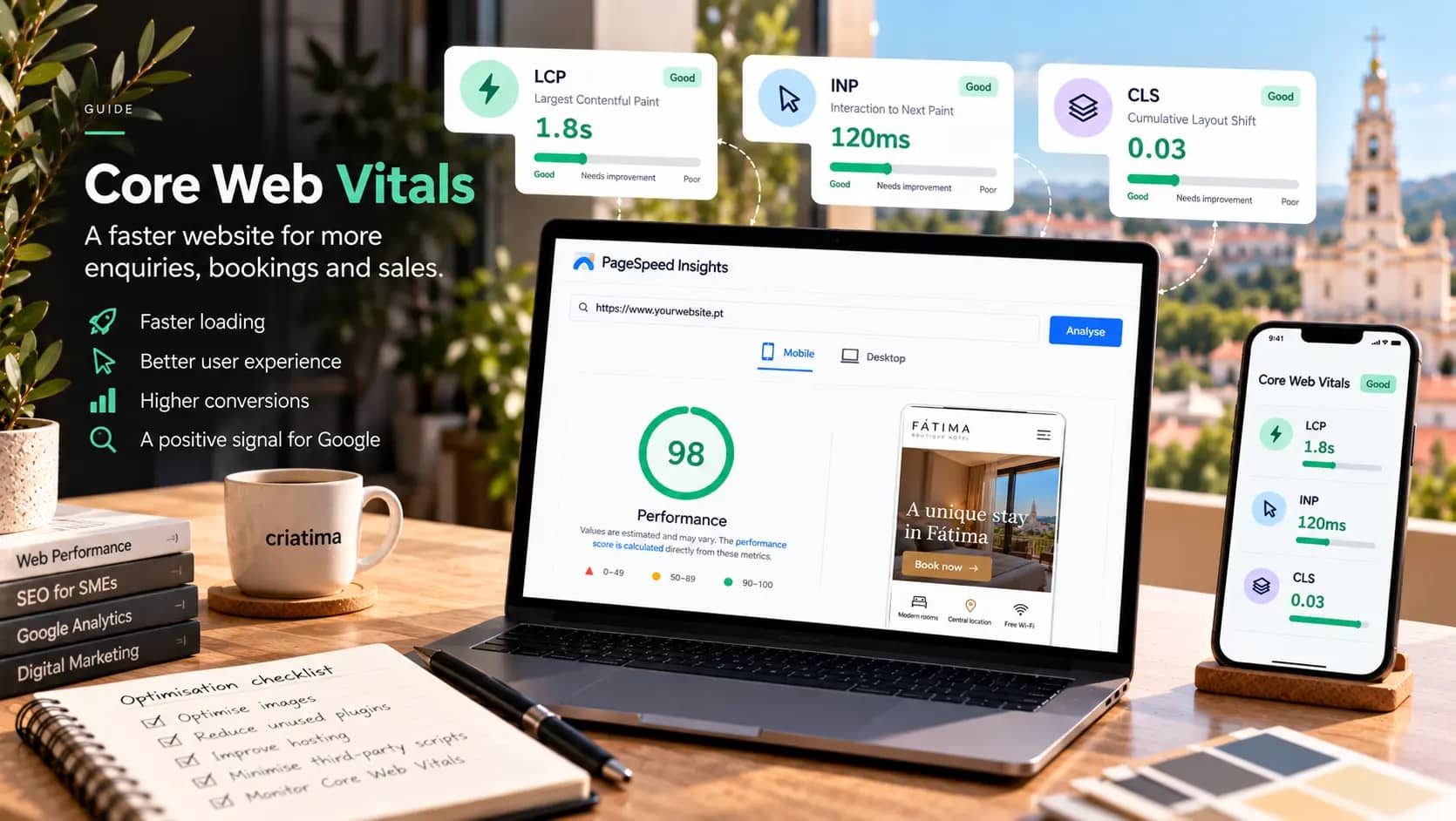
Core Web Vitals are three Google metrics that measure the real experience of people visiting a website: how quickly the main content appears (LCP), how quickly the page responds to a tap or click (INP) and how visually stable it is while loading (CLS). A website with good scores loads the essentials within 2.5 seconds, responds within 200 milliseconds and doesn’t “jump” while you’re reading.
For an SME, this isn’t a technical detail. A website that’s slow on mobile loses enquiries, bookings and sales before the visitor reads the first sentence. This guide explains each metric, how to measure your website and what usually fixes the problems.
The three metrics, without the jargon
The thresholds below are the ones Google sets out in the web.dev documentation on Core Web Vitals. To count as “good”, at least 75% of real visits must meet each threshold.
LCP: how long the main content takes
Largest Contentful Paint measures when the largest visible element on the screen appears, usually the main image or heading. It’s the metric that comes closest to the feeling that the page “has loaded”.
- Good: up to 2.5 seconds.
- Needs improvement: between 2.5 and 4 seconds.
- Poor: more than 4 seconds.
INP: how long it takes to respond
Interaction to Next Paint measures how much time passes between a tap, click or key press and the page’s visible response. In 2024 it replaced the previous metric (FID), because it assesses every interaction, not just the first.
- Good: up to 200 milliseconds.
- Needs improvement: between 200 and 500 milliseconds.
- Poor: more than 500 milliseconds.
CLS: does the page “jump” while loading?
Cumulative Layout Shift measures how much content moves unexpectedly. It’s that moment when you’re about to tap a button and, suddenly, an image or a notice appears and pushes everything down.
- Good: up to 0.1.
- Needs improvement: between 0.1 and 0.25.
- Poor: more than 0.25.
Do Core Web Vitals count for Google?
They do, but they don’t work miracles. Google uses page experience as one of many ranking signals, and the relevance of the content still carries more weight. A fast website with weak content won’t overtake a slow website with the best answer.
The stronger argument is a different one: people. A visitor who has to wait, who taps a button and nothing happens, or who loses their place while reading, gives up. And they give up more readily on a phone, on a weak mobile connection, which is exactly where many customers of local businesses will find you.
How to measure your website
PageSpeed Insights
Google’s free tool, at pagespeed.web.dev, is the starting point. Enter the address of a page and you’ll see two kinds of data:
- Field data: the real experience of visitors, collected by Chrome over the last 28 days. This is what Google uses. Websites with little traffic may not have enough data.
- Lab data: a simulation run on the spot. Useful for diagnosis, but not the official assessment.
Always test the mobile version and several pages: the home page, a service or product page and a contact or booking page.
Google Search Console
The Core Web Vitals report in Search Console shows the status of your whole website, grouped by page type. It’s the best way to tell whether a problem is isolated or site-wide.
What usually makes a website slow
On the SME websites we analyse, the causes come up again and again:
- Huge images: photos uploaded straight from the camera, several megabytes each, in old formats.
- Heavy themes and page builders, which load code for features the website doesn’t use.
- Too many plugins: each one adds scripts and styles, even on pages where it isn’t needed.
- Third-party scripts: chat widgets, advertising pixels, maps, embedded videos and social media widgets.
- Poor hosting: servers that are slow to respond, with no caching and far from your visitors.
- External fonts loaded without optimisation.
- Cookie notices and banners that appear over the content and cause layout shifts.
The fixes that work best
To improve LCP
- Optimise your images: resize them to their actual display size and use modern formats such as WebP or AVIF.
- Prioritise the main image: don’t lazy-load it; that technique is for images further down the page.
- Improve server response time with caching and suitable hosting.
- Reduce render-blocking code: unnecessary CSS and JavaScript at the top of the page.
To improve INP
- Remove scripts you don’t use, especially third-party ones.
- Defer anything that isn’t urgent: chat widgets and pixels can load after the page.
- Simplify menus, filters and sliders that run a lot of code on every tap.
To improve CLS
- Set width and height on images and videos, so the browser reserves the space.
- Reserve space for notices, banners and ads, instead of inserting them over the content.
- Optimise font loading so the text doesn’t change size.
If your website uses a cookie banner, make sure it complies with the law without harming the experience. We explain how in our guide to cookies and GDPR on a website.
Fix it or rebuild it?
You don’t always need a new website. Often, optimising images, cleaning up plugins and improving the hosting is enough to pass all three thresholds. But when the problem is in the foundations, for example a heavy theme or a page builder that generates excessive code, fixes will only take you so far.
A rule of thumb: if, after optimising images, hosting and scripts, your mobile LCP is still above 4 seconds, it’s worth considering a rebuild. In our web design service, performance is a requirement from day one, not an afterthought. To understand what each option costs, see our article on how much a website costs.
For online shops, the choice of platform and extensions also matters. We cover this in our comparison of Shopify and WooCommerce.
Keeping your scores up over time
A website that’s fast at launch can become slow within a few months: new unoptimised photos, another plugin, a new advertising pixel. To avoid this:
- Check PageSpeed Insights for your main pages once a month.
- Keep an eye on the Core Web Vitals report in Search Console.
- Optimise every image before uploading it.
- Before installing anything new, always ask: “do we really need this?”
This monitoring is part of our maintenance and hosting service, which starts at €49 a month + VAT, with no minimum term.
Frequently asked questions
What is a good PageSpeed Insights result?
More important than the 0–100 score is the assessment of the field data: whether all three metrics are “good” for real visits. The lab score helps you find problems, but it varies from test to test. Focus on getting LCP, INP and CLS within the thresholds on mobile.
My website has little traffic and no field data shows up. What now?
That’s normal for small websites. In that case, use the PageSpeed Insights lab data as a guide and test several pages on mobile. If the simulated scores are within the thresholds and the website feels fast on a mobile connection, you’re on the right track.
Will improving Core Web Vitals push my website up on Google?
It can help, especially when you’re competing with pages of similar relevance, but it doesn’t replace good content. The biggest benefit is with visitors: a fast, stable website loses fewer people along the way and turns more visits into enquiries, bookings or sales.
Can a WordPress website have good Core Web Vitals?
Yes. WordPress isn’t slow by nature; what weighs it down is too many themes, page builders and plugins, and poor hosting. With a lightweight theme, a few well-chosen extensions, optimised images and good hosting, a WordPress website meets all three thresholds without difficulty.

Ali Ourtanane
Web Project Manager